One keyword. Ten organic results on Google’s first page. And our brand appeared in seven of them.
Pretty satisfying, right?
Well, I was quite happy when I first noticed it. Mostly because I had personally worked on the marketing activities that contributed to those results.
The keyword was “best woocommerce bundle plugin”, and the brand was WPXPO, where I work on product marketing.
When I analyzed the SERP, I found WPXPO-related content in 7 of the top 10 organic results. Counting additional visibility in Google’s AI Overview, I recorded 9 brand touchpoints for that single search query.
Here’s the interesting part.
Those weren’t seven blog posts from our website.
There were articles, a YouTube video, Reddit discussions, a LinkedIn newsletter, and content published on other websites. Different platforms, different content formats, but all connected to the same topic.
And no, simply publishing one really good SEO article wouldn’t have produced that kind of coverage.
It came from approaching SEO a little differently.
Instead of focusing only on getting our website to rank, I worked on building our presence across the platforms where potential customers were already looking for solutions.
That’s essentially what Search Everywhere Optimization is about.
In this article, I’ll walk you through how I approached it for WPXPO, what I did across different marketing channels, the results I observed, and how you can use a similar strategy for your own brand.
What Is Search Everywhere Optimization?
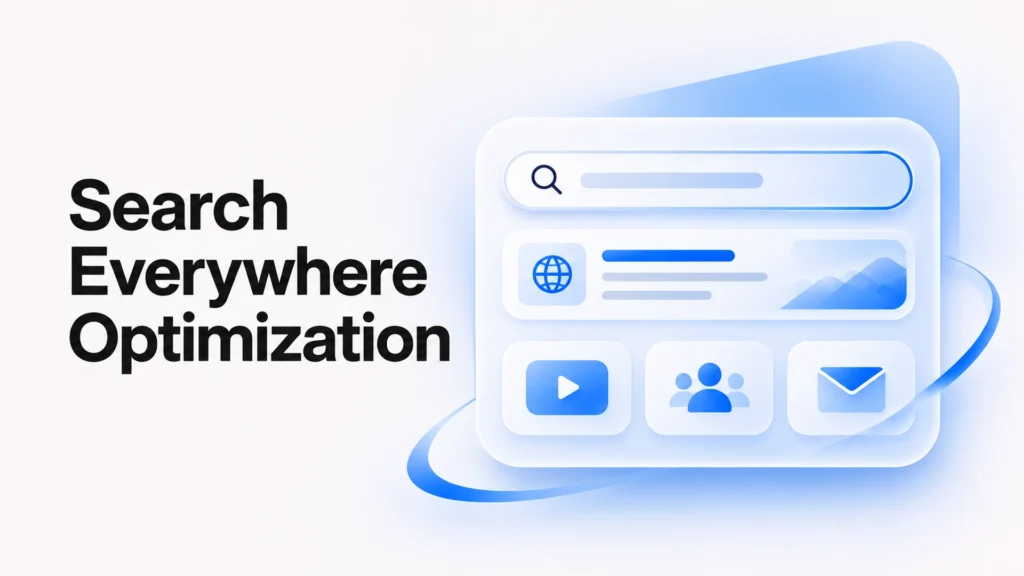
Search Everywhere Optimization is a marketing approach focused on making your brand discoverable across the platforms people use to research products, find answers, and make decisions.
Think about how you personally research a product.
Let’s say you’re looking for a WooCommerce plugin.
You might start with Google and read a couple of comparison articles. Then you head over to YouTube to see how the plugin actually works.
Still not convinced?
You might search Reddit to see what other WooCommerce store owners recommend. Perhaps you’ll come across an industry expert’s LinkedIn post or read a review on another website.
Eventually, you’ll visit the product’s website.
See what’s happening here?
Your entire research journey doesn’t happen on one website or even one platform.
Yet, many businesses still approach SEO as if publishing articles on their own domain is enough.
That’s where Search Everywhere Optimization comes in.
The idea is to build a useful presence wherever your potential customers are searching, rather than relying entirely on your website’s rankings.
And when content from those platforms also appears in Google Search, the opportunities for brand visibility become even more interesting.
One thing worth mentioning: “everywhere” doesn’t literally mean every platform on the internet.
You don’t need to publish on Pinterest, Reddit, LinkedIn, YouTube, Quora, and ten other platforms just because they exist.
You need to identify where your audience actually researches solutions.
For a WordPress plugin company, that might be Google, YouTube, Reddit, and industry blogs. For a local service business, Google Maps and local reviews might be much more valuable.
The platforms change. The principle stays the same.
How I Achieved 7 Out of 10 Google Organic Results for WPXPO
Let’s get into the actual case study.
The search query I was analyzing was:
best woocommerce bundle plugin
This is an interesting keyword because of its search intent.
Someone searching for the best WooCommerce bundle plugin probably isn’t trying to learn what WooCommerce is.
They’re comparing solutions.
They might want to know which plugin supports mix-and-match bundles, whether there’s a free option, how the different plugins compare, or which one would work for their store.
In other words, they’re much closer to choosing a product.
Naturally, this makes the keyword valuable for a company offering WooCommerce solutions.
Our product, WowRevenue, was relevant to the topic, so I worked on increasing visibility around related searches through multiple content channels.
When I later reviewed the search results, WPXPO-related content had a presence across seven of the first ten organic results.
Not every result came from our website. Some ranked through platforms we didn’t own.
And that was the most interesting part of the achievement for me.
I Didn’t Treat It as a Single-Article SEO Campaign
Normally, an SEO workflow looks something like this:
Find a keyword, create an optimized article, improve internal linking, build some backlinks, and track its rankings.
I still use that approach. Good on-page SEO, technical SEO, and quality content are essential.
But I didn’t want all our visibility to depend on one article ranking well.
So I worked with the same topic across multiple channels, adjusting the content to fit each platform.
Here’s how the different pieces came together.
| Channel | Content approach | Purpose |
|---|---|---|
| Website blog | Detailed guides and plugin comparisons | Help readers evaluate solutions |
| External publications | Relevant guest content and collaborations | Reach audiences beyond our website |
| YouTube | Practical tutorials with a free-solution angle | Show how the solution works |
| Helpful participation in relevant discussions | Answer real questions from store owners | |
| LinkedIn newsletter | Insights and educational content | Reach professionals and build another discovery opportunity |
Notice something?
I wasn’t trying to publish the exact same article five times.
Each channel addressed a different part of the research journey.
And that’s an important difference.
1. Website Content: Building a Strong Foundation
Even with a multichannel approach, I still consider our website content the foundation.
Why?
Because you need somewhere to provide a complete answer.
Someone comparing WooCommerce bundle plugins wants more than a list of plugin names.
They want to understand the features, limitations, pricing options, use cases, and differences between available solutions.
That’s why I focused on content that could actually help people make decisions.
For example, a useful comparison article should explain:
- What types of bundles each plugin supports.
- Which features are available in the free version.
- Whether it works for simple or more complex store requirements.
- What makes one option suitable for a particular use case.
You shouldn’t recommend a plugin simply because it’s your product.
If another solution is better for a particular use case, readers deserve to know that too.
I also like building content around specific questions people ask.
A detailed article about WooCommerce bundle plugins might cover the broader topic, while a separate tutorial can explain how to create a mix-and-match bundle.
Both pieces serve different purposes.
And the detailed article becomes a useful resource when planning content for other channels.
2. Guest Content: I Didn’t Rely Only on Our Domain
Here’s something I think many marketers overlook.
You don’t always need your own website to rank for every keyword.
Sometimes, another website already has the audience, topical relevance, or search visibility you’re trying to reach.
That’s why I included external content and industry collaborations in my marketing activities.
For WPXPO, this meant identifying relevant websites where our products could naturally fit into existing articles or new content.
But my goal wasn’t to collect random backlinks.
I wanted placements that would make sense to someone reading the article.
For example, if an industry blog is explaining how to increase average order value in WooCommerce, a relevant mention of a product bundle solution could genuinely help the reader.
That’s much more useful than forcing a product link into an unrelated article.
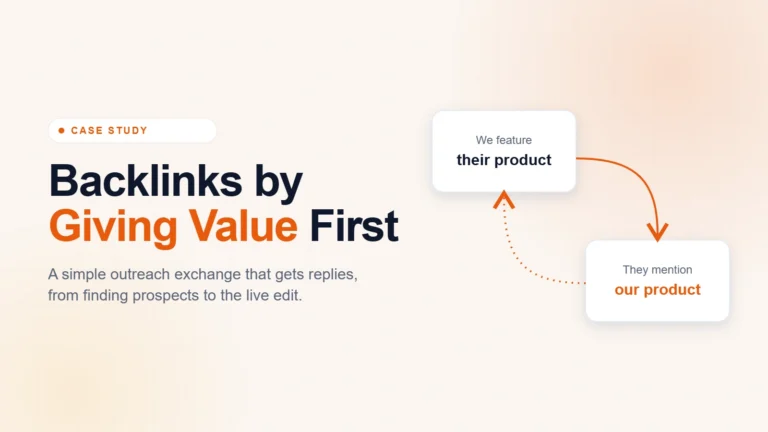
I also prefer approaching these collaborations by offering value first.
Instead of starting an email with a backlink request, I often offer to feature the other company’s product in one of our relevant articles.
That creates a natural opportunity to discuss how we might promote each other.
I’ve explained this process in more detail in my value-first backlink outreach case study.
The important lesson here is that external content isn’t useful only for the backlink it provides.
A relevant article on another website can become another place where people discover your brand.
And sometimes, that article may appear in Google for the same topic you’re targeting.
3. YouTube: Same Topic, Different Search Intent
Now, let’s talk about video content.
Someone reading a blog post about the best WooCommerce bundle plugins and someone searching YouTube for WooCommerce bundles might have slightly different expectations.
The blog reader may want to compare several plugins.
The YouTube viewer might want to see how to create a bundle without spending money.
That’s why I used a more practical, free-solution angle for video content.
Instead of simply discussing which plugin is better, the video approach focused on showing how to accomplish a specific task.
For example:
How to Create WooCommerce Product Bundles for Free
This makes sense for YouTube because a visual demonstration can answer questions that would otherwise require multiple screenshots and a lengthy explanation.
People can actually see the interface, configuration options, and final result.
And if the content helps them solve their problem, they naturally become familiar with the product involved.
The interesting thing is that YouTube content doesn’t have to rely entirely on YouTube search.
Google can also surface relevant videos in its search results.
In our case, video content became another part of the visibility we achieved around the topic.
My takeaway: Don’t turn every blog post into a video with the same title and script. Think about what someone would prefer to watch rather than read.
That’s usually where the better video opportunities are.
4. Reddit: Probably My Favorite Part of This Strategy
If you’ve read my previous articles, you probably already know that I spend quite a bit of time working on Reddit marketing.
And honestly, I think Reddit is one of the most interesting channels for organic product discovery.
But there’s a catch.
You can’t treat Reddit like another place to drop your product links.
Let’s say someone posts a question asking how to create product bundles in WooCommerce.
Now imagine two replies.
The first one says:
“Try WowRevenue. Here’s the link.”
The second reply explains a few ways to create bundles, discusses which approach works for different store requirements, and mentions WowRevenue as a relevant option while being clear about the affiliation.
Which one would you find more helpful?
Probably the second one.
That’s the approach I’ve tried to follow when participating in relevant Reddit discussions.
I looked for conversations where people were genuinely trying to solve problems related to WooCommerce bundles, discounts, and store optimization.
When I had something useful to contribute, I participated in the discussion.
And when WowRevenue was relevant to the question, I could bring it into the conversation naturally.
The important part was answering the question first.
Why Reddit Was Important for Search Visibility
Reddit conversations can appear in Google Search results.
That creates an interesting opportunity.
A helpful answer written for a Reddit community can potentially reach two audiences:
- People participating in the discussion on Reddit.
- People who later discover the discussion through Google.
In our case, relevant Reddit threads appeared among the search results I analyzed.
That meant our brand had an opportunity to be discovered even when the searcher wasn’t visiting our website.
Pretty cool, right?
But there’s one thing I’d strongly recommend.
Don’t participate in Reddit discussions solely because you want them to rank on Google.
Focus on helping the community first.
Follow subreddit rules, disclose your relationship with a product when relevant, and avoid presenting promotional comments as independent recommendations.
A useful answer can build trust whether or not it contains your product name.
And that’s a much better long-term approach than chasing links.
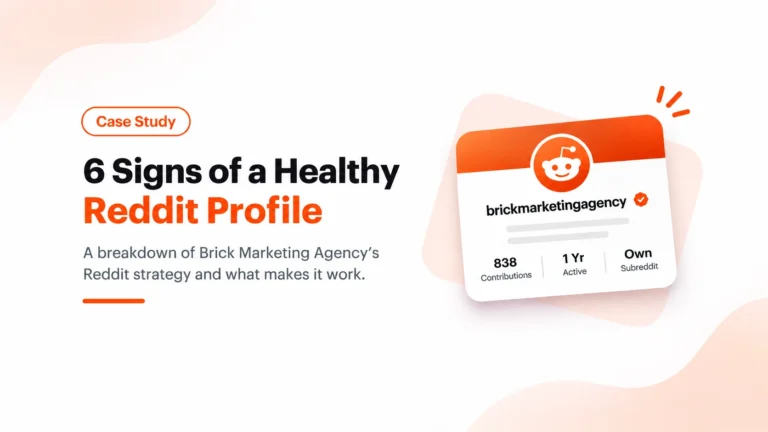
If you’re new to Reddit marketing, I’ve also written about sitewide rules vs. subreddit-specific rules.
5. LinkedIn Newsletter: The Result That Surprised Me Most
Of all the channels involved in this case study, LinkedIn was probably the biggest surprise.
Usually, when marketers publish something on LinkedIn, they evaluate its performance through impressions, likes, comments, and shares.
That makes sense.
But what if your LinkedIn content also starts appearing in Google Search?
That’s exactly what I observed.
We had a LinkedIn newsletter related to the WooCommerce bundle plugin topic.
Rather than copying an existing blog post, I approached the newsletter from a more conversational, insight-focused perspective that suited LinkedIn’s professional audience.
And when I analyzed the Google results, the newsletter was there.
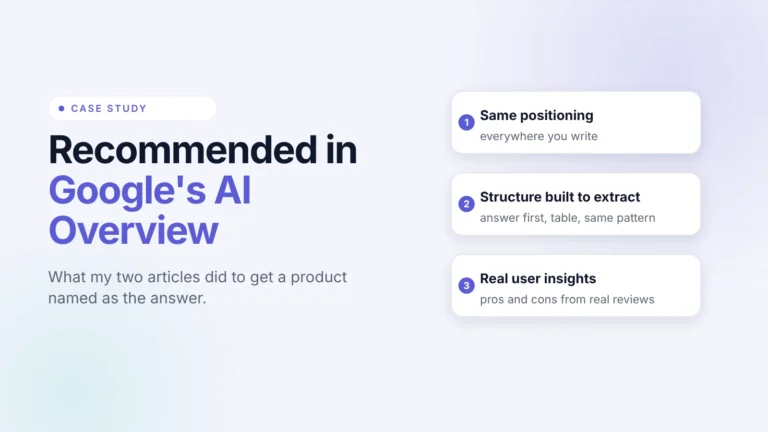
It also appeared as a source in the AI Overview.
Think about that for a moment.
A piece of content published primarily for LinkedIn’s audience was also contributing to visibility in Google Search.
That changed how I thought about measuring content performance.
A newsletter doesn’t necessarily have to receive thousands of likes to be valuable.
It might generate visibility through search long after its initial distribution.
Of course, that doesn’t mean every LinkedIn newsletter will rank.
But it does mean we should look beyond the engagement metrics of the platform where the content was originally published.
Sometimes, a content asset can be useful in ways we didn’t initially expect.
What About Google’s AI Overview?
Remember the nine brand touchpoints I mentioned earlier?
That number included the additional visibility I observed in Google’s AI Overview.
While examining the search results, I found WPXPO-related content being surfaced within the AI-generated response.
That was particularly interesting because the sources weren’t limited to traditional website articles.
Our wider content presence was also relevant to how the brand appeared in AI search.
Now, did I use some secret trick to get our content mentioned in AI Overview?
No.
My approach was to create relevant, useful content across the channels where people were already researching the topic.
Some of that content was then surfaced in Google’s AI-generated response.
For me, the lesson wasn’t that you need a separate hack for AI search.
It was that building useful content across relevant platforms creates more opportunities for discovery, including through AI-powered search experiences.
That said, AI Overview visibility is not something you can guarantee. The sources and answers can change depending on the query and other search conditions.
So I treat it as an additional visibility opportunity, not the sole objective of a content campaign.
Did I Publish the Same Content Everywhere?
No. And I think this is where many content repurposing strategies go wrong.
Repurposing shouldn’t mean copying an article, making a few small changes, and publishing it everywhere.
I prefer thinking about it as answering different questions around the same topic.
For example, here’s how I approached the WooCommerce bundle plugin topic:
Website blog: Which WooCommerce bundle plugin should I choose, and what are the differences?
YouTube: How can I create product bundles for free?
Reddit: What’s the best way to solve a particular bundling or discount problem?
LinkedIn: What should store owners consider when choosing a bundling solution?
External blogs: How can bundle offers fit into a broader WooCommerce sales strategy?
See the difference?
The overall topic stays consistent, but the content serves different needs.
It also gives you more useful things to say without repeating the exact same message.
If someone reads your blog and later discovers your YouTube tutorial, they should learn something new rather than hear the same explanation again.
That’s how I like to approach content repurposing.
Which Channel Worked Faster?
This was another interesting part of the process.
While reviewing the results, I noticed that some Reddit and LinkedIn content became discoverable through Google relatively quickly.
Our traditional website content generally required more time to build strong positions, while YouTube content served a different, more demonstration-focused search intent.
I wouldn’t turn that observation into a universal ranking timeline.
Different keywords and content types behave differently.
But it did influence how I think about planning future campaigns.
My usual preference is to start with strong website content and then expand into relevant discussions, newsletters, videos, and external collaborations.
Why start with a blog?
Because it gives you a comprehensive resource to work from.
But the order can change.
If your audience mostly searches YouTube for tutorials, starting with video might make more sense.
The point isn’t to follow the same publishing schedule for every campaign.
It’s to understand where people are looking for answers and make the content available there.
How You Can Implement Search Everywhere Optimization: My 7-Step Approach
Now that you’ve seen what I did for WPXPO, let’s talk about how you can use a similar approach.
You don’t need a large marketing team or an expensive collection of tools to get started.
In fact, I’d recommend starting with just one topic.
Step 1: Choose a Keyword with Clear Search Intent
First, find a keyword that matters to your business.
I particularly like keywords involving comparisons, product alternatives, reviews, free solutions, and specific how-to questions.
For example:
- Best WooCommerce discount plugin
- Best CRM for small businesses
- Free project management software
- How to create product bundles in WooCommerce
But don’t select a keyword simply because it contains the word “best” or has high search volume.
Try to understand what the person wants to accomplish.
Are they learning about a problem, comparing solutions, or ready to buy?
That answer should guide your content strategy.
Step 2: Analyze the Entire SERP
This is probably the most important step.
Search for your target keyword and examine the complete results page.
Don’t just look at the top three websites.
Check whether Google is displaying YouTube videos, Reddit discussions, industry publications, LinkedIn content, or AI Overview.
Pay attention to the type of content appearing in those results.
For example, if YouTube tutorials frequently appear, that tells you video demonstrations may be useful for the query.
If Reddit threads appear, look at the actual questions people are discussing.
I also recommend recording the date, location, and device you’re using for the research.
Search results change, so you need context when comparing your findings later.
Step 3: Create a Simple Content Map
Once you understand the SERP, map out the content opportunities.
You can use a simple Google Sheet.
I usually think about five things:
- Channel: Where will the content appear?
- Audience question: What is the person trying to learn?
- Content angle: What useful perspective can I add?
- Format: Blog, tutorial, discussion, newsletter, or something else?
- Status: Planned, in progress, published, or being measured?
This prevents you from randomly publishing content across platforms without a clear purpose.
You can also prioritize the opportunities that are most relevant to your audience.
Step 4: Publish a Helpful Core Article
Next, create the main content for your website.
Make it useful enough that someone could genuinely make progress after reading it.
If it’s a comparison article, explain the differences between the products.
If it’s a tutorial, provide clear steps and relevant screenshots.
If it’s a buying guide, cover the criteria people should consider before making a decision.
Don’t worry about making the article unnecessarily long.
Focus on answering the important questions properly.
This core content will also help you identify useful ideas for other platforms.
Step 5: Adapt the Topic for Other Channels
Now comes the fun part.
Take the topic and think about how it would work on different platforms.
A detailed comparison might become a practical YouTube tutorial.
A common customer question might become a Reddit discussion.
An interesting observation from your research might become a LinkedIn newsletter.
And a broader industry problem might be suitable for guest content.
You don’t have to cover every possible channel.
Start with two or three that make sense.
I’d rather publish three genuinely useful pieces of content than ten repetitive ones.
Step 6: Participate in Communities Instead of Just Promoting
This is especially important for Reddit and other discussion-based platforms.
Don’t search for a relevant conversation and immediately paste a product link.
Read the actual question.
Understand what the person is struggling with.
Then contribute something useful.
Sometimes, your product will be a good fit. Sometimes, it won’t.
That’s fine.
You don’t need to turn every conversation into a sales opportunity.
In my experience, being genuinely helpful is a much better foundation for community marketing.
Step 7: Measure More Than Website Rankings
Finally, measure what you’re achieving across different channels.
Traditional SEO metrics still matter.
But they don’t tell the complete story of a Search Everywhere Optimization campaign.
Here’s what I’d track:
| What to measure | Where to check |
|---|---|
| Organic impressions, clicks, and rankings | Google Search Console |
| Brand-related appearances across search results | Manual SERP audits |
| Video discovery and traffic | YouTube Analytics |
| Newsletter reach and engagement | LinkedIn Analytics |
| Referral visits and conversions | Website analytics |
| AI Overview citations or mentions | Manual AI search reviews |
For the SERP audit, I like the idea of tracking both the number of brand appearances and the types of sources.
You might find that your website rankings haven’t changed much, but your brand now appears through a relevant video or industry article.
That’s still worth understanding.
However, remember that visibility and business results aren’t exactly the same.
Ideally, you’ll also want to know whether these additional touchpoints are contributing to product discovery, qualified traffic, or conversions.
What Would I Do for a Different Business?
Let’s say you’re marketing a new SaaS product.
You want to target a keyword such as “best project management software for freelancers.”
Instead of publishing one comparison article and stopping there, I’d research the entire topic.
First, I’d create a useful comparison guide on the website.
Then I’d look for opportunities to produce a video showing how freelancers can organize client projects.
I’d explore relevant community discussions about managing multiple clients, missed deadlines, and task organization.
On LinkedIn, I might share practical observations about freelance workflows.
And if a relevant industry publication accepts contributions, I’d consider writing something specifically for its audience.
Notice that I’m not suggesting publishing five pieces of content with the exact same title.
Each one should serve a genuine purpose.
The same concept works for local businesses, online courses, WordPress plugins, and other digital products.
You just need to adjust the channels according to where your customers research solutions.
Five Things I Learned from This Experience
Working on this strategy taught me a few things that I now consider when planning organic growth campaigns.
1. One keyword can create multiple content opportunities.
A single search query can represent several related questions. You don’t have to answer all of them through one blog post.
2. SERP research should come before content planning.
Understanding what Google is already displaying helps you identify the formats and platforms worth exploring.
3. Content repurposing is about adapting the value, not copying the text.
A blog, video, Reddit comment, and LinkedIn newsletter can discuss the same topic while providing completely different experiences.
4. Community participation can support search visibility.
A useful discussion can be valuable to the community itself and may also become discoverable through Google.
5. Brand visibility is bigger than website traffic.
Your brand can appear in search results through content published on other platforms. Those appearances can contribute to how people discover and evaluate your products.
For me, that fifth point was the biggest takeaway.
Frequently Asked Questions
Is Search Everywhere Optimization replacing traditional SEO?
Not at all.
You still need good content, technical SEO, internal linking, and a properly optimized website.
Search Everywhere Optimization expands that work into other platforms where your audience searches for information.
I see it as an extension of SEO, not a replacement.
Do I need to publish content on every platform?
No.
Start with the platforms your target audience actually uses.
For some businesses, Google and YouTube might be enough. Others may benefit more from Reddit, LinkedIn, or industry publications.
Choosing the right channels matters more than the number of channels you use.
Can I also get multiple Google rankings for one keyword?
It’s possible, as my WPXPO case study demonstrates.
But that doesn’t mean publishing across several platforms will automatically produce multiple first-page results.
The actual rankings depend on the query, content quality, competition, and how Google chooses to present the results.
I’d focus on improving genuine brand discovery rather than trying to force a particular number of placements.
How do I get my brand mentioned in Google AI Overview?
There’s no guaranteed method.
My approach was to create relevant, helpful content across platforms where people were researching the topic.
Some of that content appeared in AI Overview when I reviewed the SERP.
The better starting point is to make your content clear, useful, accurate, and discoverable rather than chasing a specific AI search trick.
Summing Up
Before working on this campaign, a lot of my SEO thinking centered around a familiar question:
Where is our blog ranking for this keyword?
I still ask that question.
But now, I also ask something else:
When someone researches this topic, where can they discover our brand throughout the process?
That’s the thinking behind the results I achieved for WPXPO.
For the keyword “best woocommerce bundle plugin,” our brand appeared across seven of Google’s first ten organic results when I analyzed the SERP, with additional visibility in AI Overview.
Our website content, YouTube video, Reddit discussions, LinkedIn newsletter, and external content contributed to a much broader presence than one article could provide.
And that’s what made the result particularly satisfying for me.
If you’re planning your next SEO campaign, try looking beyond a single ranking position.
Pick one meaningful keyword. Study the complete SERP. Publish a helpful core article. Then explore how you can address related questions on the platforms your audience already uses.
You don’t have to be everywhere.
You just need to be useful in the places that matter.